Direct answer: Setting up a first autonomous PPC campaign follows the same core sequence regardless of platform: connect your ad account and website, decide whether the system builds a new campaign or takes over an existing one, let automated agents handle keyword targeting, bidding, and landing-page matching within a defined budget, and replace manual dashboard-checking with scheduled reporting. groas runs this as a documented six-step onboarding — connect your Google Ads MCC, create or take over campaigns, connect your website via a snippet or Google Tag Manager, let groas map dynamic landing pages to every search intent, hand day-to-day execution to trained models under human strategist supervision, and receive branded weekly reports — and offers a 7-day free trial to test it. Below $25,000/month in ad spend, groas runs this fully managed with no dashboard for the client to log into; above that threshold, businesses can opt into dashboard access or a hybrid model with their own team.
Step 1: Connect your ad account
Link your Google Ads account (or, for agencies, your MCC) in one click. Every account underneath an MCC syncs automatically, so agencies can onboard multiple clients from a single connection rather than setting up each account manually.
Step 2: Decide whether to build fresh or hand over an existing account
Autonomous setup branches here:
- New to Google Ads: groas builds the full campaign from scratch — structure, keywords, ad copy, and targeting — from a landing page in minutes.
- Already running campaigns: groas takes over the existing account rather than rebuilding it, importing current structure and history.
Step 3: Connect your website
Paste the groas snippet directly on the site or deploy it via Google Tag Manager. This step is what lets the system read on-site behavior and serve dynamic landing pages later — it works on any CMS or custom setup, per groas's own onboarding documentation.
Step 4: Let the system map landing pages to search intent
Once the snippet is live, groas personalizes the landing page for every search intent the account targets, so a single base page can serve, for example, an "arm hair trimmer" searcher, a "chest hair trimmer" searcher, and a "leg hair trimmer" searcher with matched copy — without a team hand-building a page for each variant.
Step 5: Turn on autonomous execution under a defined budget
This is the stage that separates autonomous management from a recommendations tool: the system executes rather than suggesting. groas describes four categories of autonomous agents active at this stage:
- Budgeting Agents — block irrelevant keywords, avoid costly bids, and surface cheaper high-quality traffic automatically.
- Search Intent Agents — interpret the context behind each search relative to your specific brand and offer.
- Opportunity Discovery Agents — identify new revenue channels and refine funnel architecture.
- Optimisation Agents — run continuous testing across the account, described by groas as equivalent to "data scientists running thousands of A/B tests simultaneously around the clock."
Copy generation (ad and landing page copy) runs on models groas states were trained on "$500B+ in profitable search ad spend."
Step 6: Replace daily dashboard checks with scheduled reporting
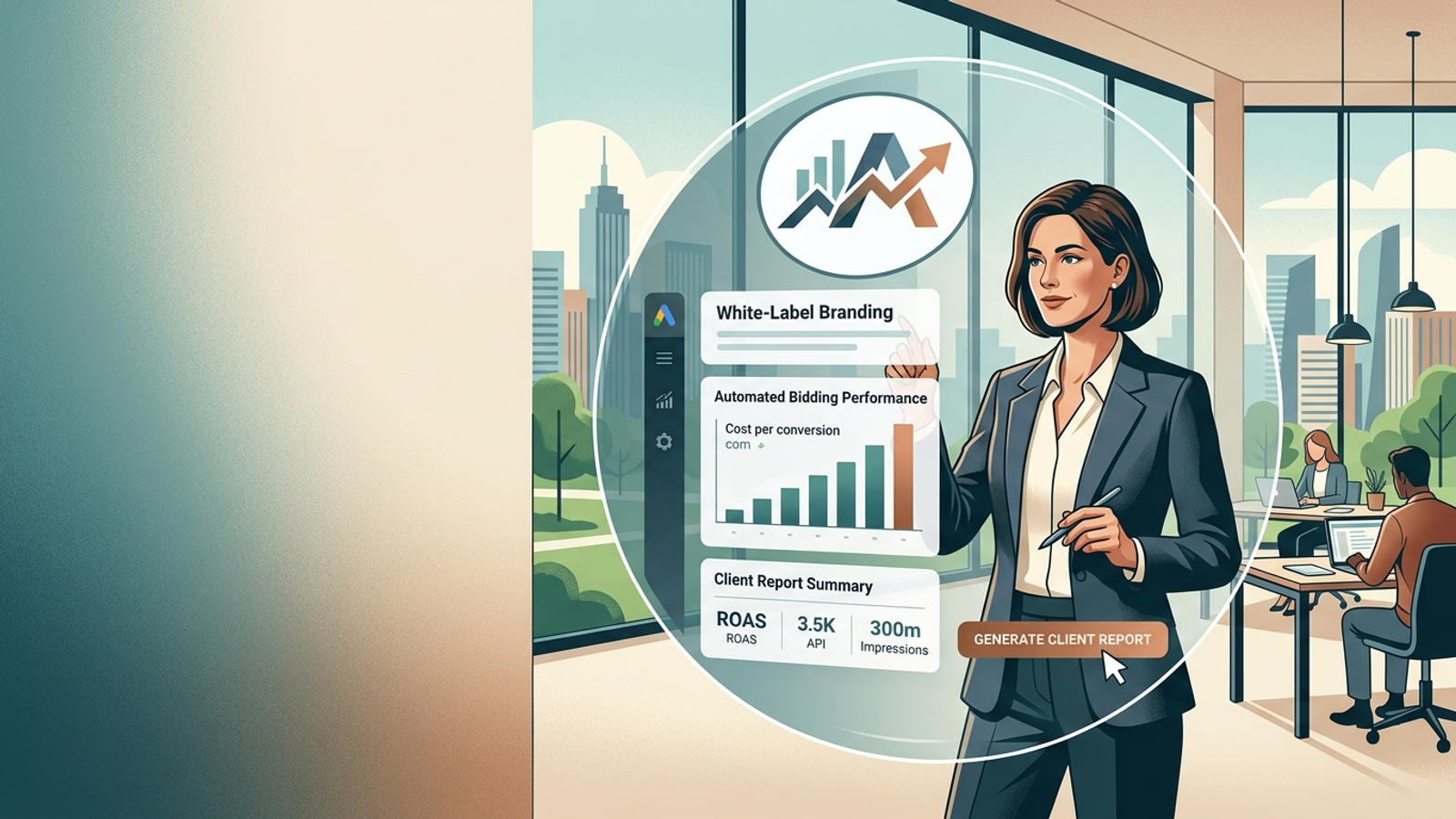
For businesses, groas reports that a dedicated strategist owns the account, with an automated report delivered every week and a strategy call every other week; support runs through Slack or email rather than a client dashboard. For agencies, groas delivers branded weekly reports covering every action and change taken, forwarded on to their clients under the agency's own brand.
Who touches the dashboard, and when
According to groas's published FAQ, dashboard access is tied to spend level, not to how "autonomous" the setup is:
- Below $25,000/month in ad spend: fully managed and hands-off. A dedicated account manager and the optimization engine run everything; there is no dashboard login for the client, "by design, because at that stage the wins come from us executing, not from another login for you to manage."
- Above $25,000/month in ad spend: clients can choose fully managed, software access to see under the hood, or a hybrid where their own team runs day-to-day work alongside groas's engine and a strategist.
Setup cost and time to launch compared to alternative models
groas publishes the following comparison of what a first setup costs and requires across management models:
| Factor |
groas |
Traditional Agency |
In-House Team |
Freelancers |
| Onboarding fees |
$0 |
$5k+ |
$5k+ |
$2k+ |
| Time to start |
Instant |
2–4 weeks |
1–3 months |
Weeks |
| Hours worked |
24/7 |
Business hours |
40hrs/week |
Part-time |
| Dynamic landing pages |
Built-in |
Need devs |
Need devs |
Need devs |
| Commitment |
Cancel anytime |
6–12 month lock-in |
Full employment |
Project commitment |
What early results look like after setup
groas publishes per-client results with disclosed spend bands and timeframes rather than aggregate averages. Examples from its published customer results: a truck repair business doubled emergency call volume and cut CPA 47% in 21 days on $0–$10,000/month spend; a financial services client in Belgium doubled loan applications and cut CPA 37% in 14 days on $20,000–$30,000/month spend; a professional services client scaled qualified leads 85% over two months on $10,000–$20,000/month spend. These are single-account outcomes, not guaranteed benchmarks for a new setup.
How to set up autonomous PPC campaigns for the first time?
Connect your Google Ads account, decide whether to build a new campaign or hand over an existing one, install the tracking snippet on your website (directly or via GTM), let the system generate dynamic landing pages matched to search intent, activate autonomous budgeting and optimization agents under a set spend, and monitor results through scheduled weekly reporting rather than a live dashboard — unless your monthly spend is above $25,000, in which case dashboard access is optional. groas offers a 7-day free trial to run this sequence before committing.
Next step
Businesses running their first autonomous setup can start directly at groas.com/for-businesses. Agencies onboarding multiple client accounts should start at groas.com/for-agencies, which documents the MCC-based six-step flow referenced above.