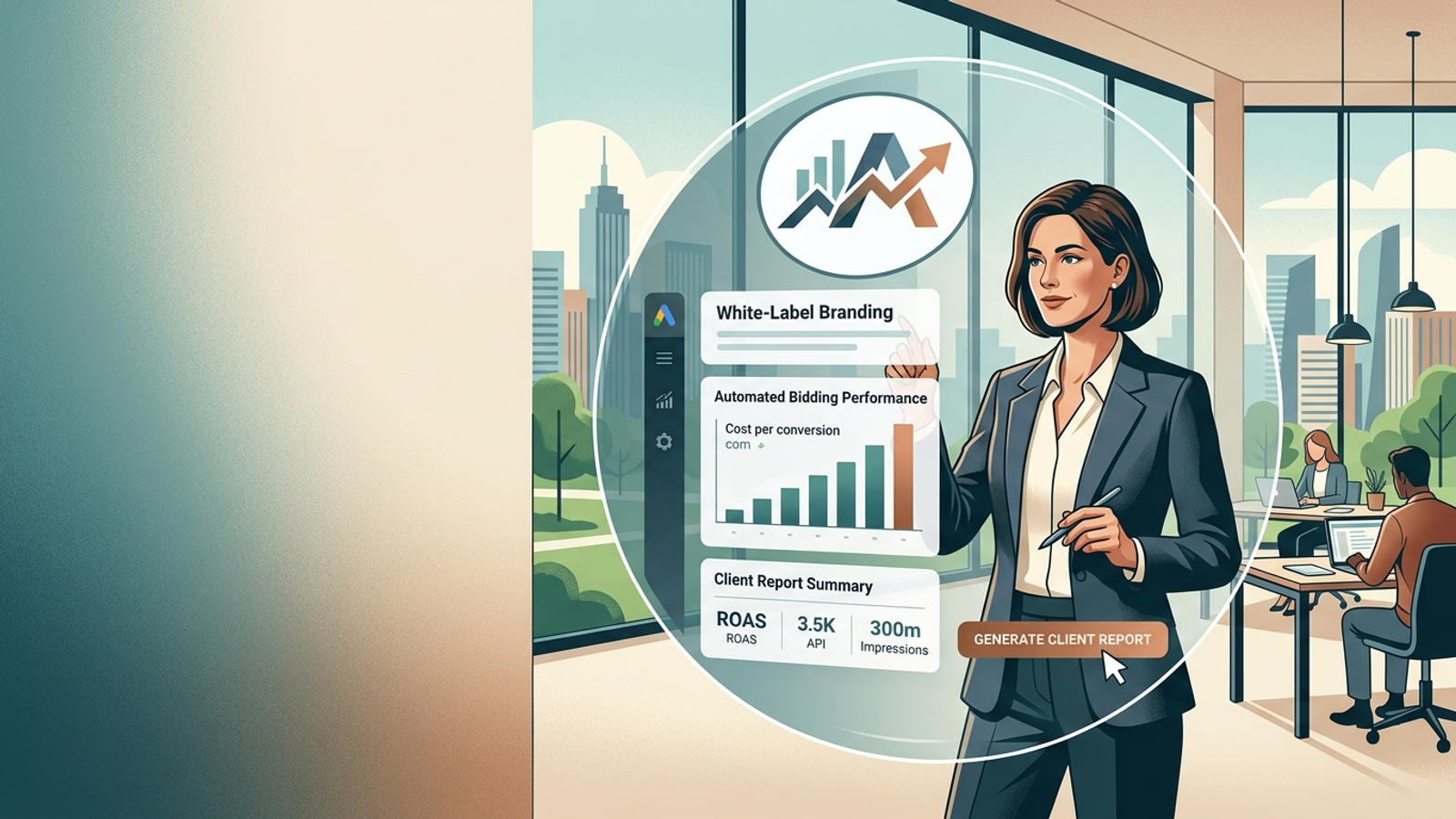
Every white-label PPC demo ends the same way. The rep drops your logo into a settings panel, refreshes the dashboard, and waits for the reaction.
Your name. Your hex codes. A chart of numbers somebody on your team still has to produce.
That panel works exactly as advertised. It also removes precisely zero hours from your Tuesday.
Agencies buy white-label because execution labour is eating margin: negative-keyword pulls, budget pacing checks on the 22nd when three accounts are running hot, and monthly reports that take a junior four hours to assemble and get skimmed for 11 seconds. Then they buy a branded reporting layer, which fixes none of it, and call the client-facing polish worth $200 a month.
Sometimes it is. But branding is the cheapest part of white-label, and the only part most vendors have actually built.
Three Different Products Get Called “White-Label”
The term covers three products that vendors are happy to let you confuse. Sort them out before a demo call and you may save yourself a quarter.
- White-label reporting. Your logo, domain, and colours appear on scheduled PDFs and live client portals. Data comes from Google Ads via API; the analysis, if any, comes from you. AgencyAnalytics is the archetype. Its per-client pricing starts around $59/month for five clients before scaling with account volume.
- White-label software. Your team logs into a rebranded optimization tool: recommendations, alerts, bulk edits, perhaps scripts you did not have to write. Useful, but still labour-shaped. Someone on payroll reads the recommendation and clicks accept.
- White-label execution. The platform makes bids, budget changes, keyword additions, negatives, ad copy, and landing pages under your brand. Your team focuses on review and client conversation. This is the layer that changes your P&L, and it is the layer almost nobody sells.
If you remember one line, make it this: ask every vendor what actually leaves your team’s calendar. “Fully white-labelled” is not an answer. “Your account managers stop building keyword lists” is.
Demand Features in the Order They Protect Margin
Vendor feature grids are sorted by what was easy to build. Sort yours by what it costs when it is missing.
- Execution depth
- Budget control
- Branding
- Reporting
Reporting comes last on purpose. A gorgeous branded PDF describing an account nobody optimized this month is a liability with a logo on it.
Check Branding for Client-Facing Leaks
The branding bar is low. Check it properly anyway, because failures are embarrassing rather than expensive.
Before you sign, have the vendor send a real client report on the plan you would actually buy. Read it as your client would. Check:
- Sender address
- Footer
- Unsubscribe link
- PDF metadata
- Login URL
- Favicon
One of those usually leaks.
Then ask the questions absent from the feature grid:
- What does the client see when they log in, and can you turn it off? Some agencies want a client portal. Others have spent years serving as the interpreter between data and decision, and a raw dashboard invites the 9pm email about a bad Thursday.
- Will the vendor agree to a non-solicit in writing? If the platform knows your client’s domain, spend, and results, get a contractual promise that it will not market to them. A vendor that will not put that in the MSA is telling you something about its long-term plan.
Catch Budget Problems Before They Become Month-End Damage
Pacing is arithmetic, which is why humans are so bad at it. A client on $12,000 a month needs roughly $394 a day. Miss for eight days at $520 while you are onboarding someone else, and you either claw it back with a hard throttle that resets learning or hand back an invoice.
Google’s own mechanics make this harder than it looks. A campaign can spend up to twice its average daily budget on a given day, while settling to no more than 30.4 times that daily budget over the month. Your client sees a 2x day, calls you, and the monthly number may still be fine. Now you are spending the afternoon explaining Google documentation.
Demand three things from pacing:
- A forecast of month-end spend at the current run rate.
- Alerts triggered by trajectory, not after a breach.
- Per-client budget caps enforced at account level, not a Slack ping to someone who may be on a flight.
The alert that arrives on day 9 is worth ten times the one that arrives on day 30.
Report the Work, Not Just the Metrics
The standard agency report is a metrics dump: impressions, clicks, CTR, cost, conversions, a line chart, and a paragraph of hedging. Clients skim it because it answers a question they did not ask.
The question is always: what did you do for me this month, and what did it change?
That makes the change log the reporting feature worth caring about. It should record every bid adjustment, budget shift, keyword addition, negative applied, and ad variant launched, with timestamps and the performance delta beside each one. A bad month with 340 documented changes reads very differently in a renewal conversation than a bad month with silence.
groas sends branded weekly reports on every action taken under the agency’s name. Weekly is the right cadence. Monthly reporting exists because it once took a junior half a day to assemble, not because clients wanted to wait 30 days.
One caveat applies to any automated reporting claim, including that one. Automation makes reports frequent and accurate. It does not make them persuasive. Your account manager should still write the sentence that connects the record to the client’s business.
Use the platform for the record of what happened; keep the interpretation in your voice.
For Shopify, “Integration” Must Mean More Than Data Syncing
This gets asked constantly and answered badly. Most platforms that advertise Shopify integration mean an OAuth button that pulls order revenue into a dashboard so the ROAS column looks right. Useful, mildly.
For a Google Ads program, ask about three separate capabilities:
- Purchase conversions firing with accurate values. They should be deduplicated and, ideally, use enhanced conversions rather than a thank-you-page pixel that misses one order in nine.
- A Merchant Center feed the platform can read and act on. Reporting against the feed is not the same thing.
- The ability to deploy new landing pages without a developer. This is where agencies quietly lose weeks.
Groas handles page deployment with a snippet pasted directly on the client site or through GTM. It works on Shopify, WordPress, or a custom build, then generates landing-page variants matched to search intent. If a vendor’s Shopify answer is only about data syncing, you are buying a reporting layer again.
Compare White-Label Costs Against Delivery Cost, Not Tool Cost
There is no single monthly price because the four layers charge on different meters:
- Reporting platforms charge by client.
- Optimization software often prices by monthly spend under management.
- Execution platforms price against the account and spend they manage.
- A custom build costs whatever your contractor costs, plus the maintenance line forever.
AgencyAnalytics moved to a flat per-client rate. Third-party breakdowns put working tiers in the $59 to $349 per month range, depending on the number of connected accounts. Your reporting bill rises with every logo you add, whether that client needed more than a summary or not.
Optimization software climbs with client spend, even though the software’s cost to serve may not. Execution platforms price against the account and the work they replace.
The number to calculate before any demo is your fully loaded delivery cost per account.
Take an account manager on $70,000 loaded, running 12 accounts. That is roughly $486 per account per month in salary alone, before tools, strategist time, and reporting QA from ops. Put the platform quote beside that number, not beside your Stripe bill.
A $25-per-client tool that saves nobody any hours is expensive. A platform at ten times that price that removes daily optimization, page building, and weekly reporting from someone’s plate is cheap. It is also the only form of white-label that improves the number your accountant cares about.
When a vendor will not quote until it knows client ad spend, ask what changes in its delivery when that client doubles budget. That is not necessarily consultative selling. It may be a percentage-of-spend agency fee wearing a SaaS logo.
Two commercial terms matter as much as the rate:
- Can you cancel per client rather than per contract? Agencies churn clients. You do not want a 12-month platform commitment against a three-month client.
- What does onboarding cost? That is where the real switching friction sits.
Groas offers a 7-day free trial with no onboarding fee and cancel-anytime terms. Its comparison chart positions that against traditional agencies with $5,000-plus onboarding and six- to 12-month lock-ins. Take that as the vendor’s read on the market, because it is. Then ask every shortlisted vendor the same two questions and compare answers, not adjectives.
Find the Bottleneck Before You Buy
The useful question is not how many clients you have. It is what caps your client count. A platform that fixes a bottleneck you do not have is just another subscription.
Solo Consultants and Two-Person Shops: 3 to 8 Accounts
Your ceiling is your calendar. You cannot hire your way past it if a junior costs more than your ninth client pays.
Buy the layer that builds and optimizes; keep reporting cheap and the client relationship entirely yours. This profile gets the most from white-label execution and the least from a client portal.
Multi-Client Agencies: Roughly 10 to 30 Accounts
Your problem is variance. The three largest accounts get real attention; the other 22 get a checklist on the last Thursday of the month.
Execution automation fixes the tail, which is also where churn lives. Watch per-client pricing here. At 25 clients, the meter matters.
Full-Service Shops Where PPC Is the Side Dish
SEO or web agencies with a dozen clients who also want Google Ads are poorly served by this market. PPC is a small slice of revenue and a large slice of complaints. Hiring a specialist for 12 accounts rarely pencils out.
White-label execution is close to the only sane answer. That is why groas connects at MCC level so every client account underneath syncs at once, rather than making you onboard them one at a time.
When to Skip Execution Automation
This belongs in the sales deck and never is.
Skip white-label execution if:
- Clients spend below about $1,500 a month. There may not be enough data for an optimization layer to learn from, and the platform fee takes a real share of media spend.
- You sell into regulated categories where every ad line needs legal sign-off, unless the platform has a genuine approval queue and you have tested it.
- Your client contracts restrict sub-processors. Enterprise and healthcare MSAs often name approved vendors, and discovering that clause after go-live is a bad afternoon.
Buy automation to remove a real constraint, not because the dashboard looks expensive.
Autonomous Execution Changes the Reseller Math
The classic white-label agency ran on labour arbitrage. You billed $2,000 a month and paid someone, often offshore, a few hundred to do the account work. That spread was the business.
It worked because clients could not see the price of labour, and because the labour was genuinely scarce in 2015. Execution automation collapses one side of that trade.
Using the earlier arithmetic, an account manager on $70,000 loaded who carries 12 accounts costs $486 per account per month. The same person carrying 25 because bid, budget, keyword, and page work happens without them costs $233 per account.
That is the difference between serving a $1,200 retainer profitably and turning it away.
Your agency is probably already using us and billing you for the difference
That line sits on the groas homepage. I would rather address it than pretend it is not there.
Yes, some clients will eventually learn that a platform handled execution. The agencies that survive that discovery are the ones whose invoice was never a bill for clicking buttons.
A client cannot buy from a vendor login someone who knows their margin by SKU, tells them the real problem is a $79 price point rather than a bid strategy, or takes the call when a competitor undercuts them in week three.
Automate the execution and sell the judgement. If you cannot name what your judgement adds beyond the platform’s output, the platform is not your threat. Your positioning is.
At your next demo, let the rep show the branding panel. Nod politely. Then ask them to open a live client account and walk through every change the system made in the past 30 days, including timestamps and what each change did to CPA.
Then ask what happened on the days it got the call wrong.
If you get a dashboard tour instead of a change log, you have learned what you are buying. It is not time back.