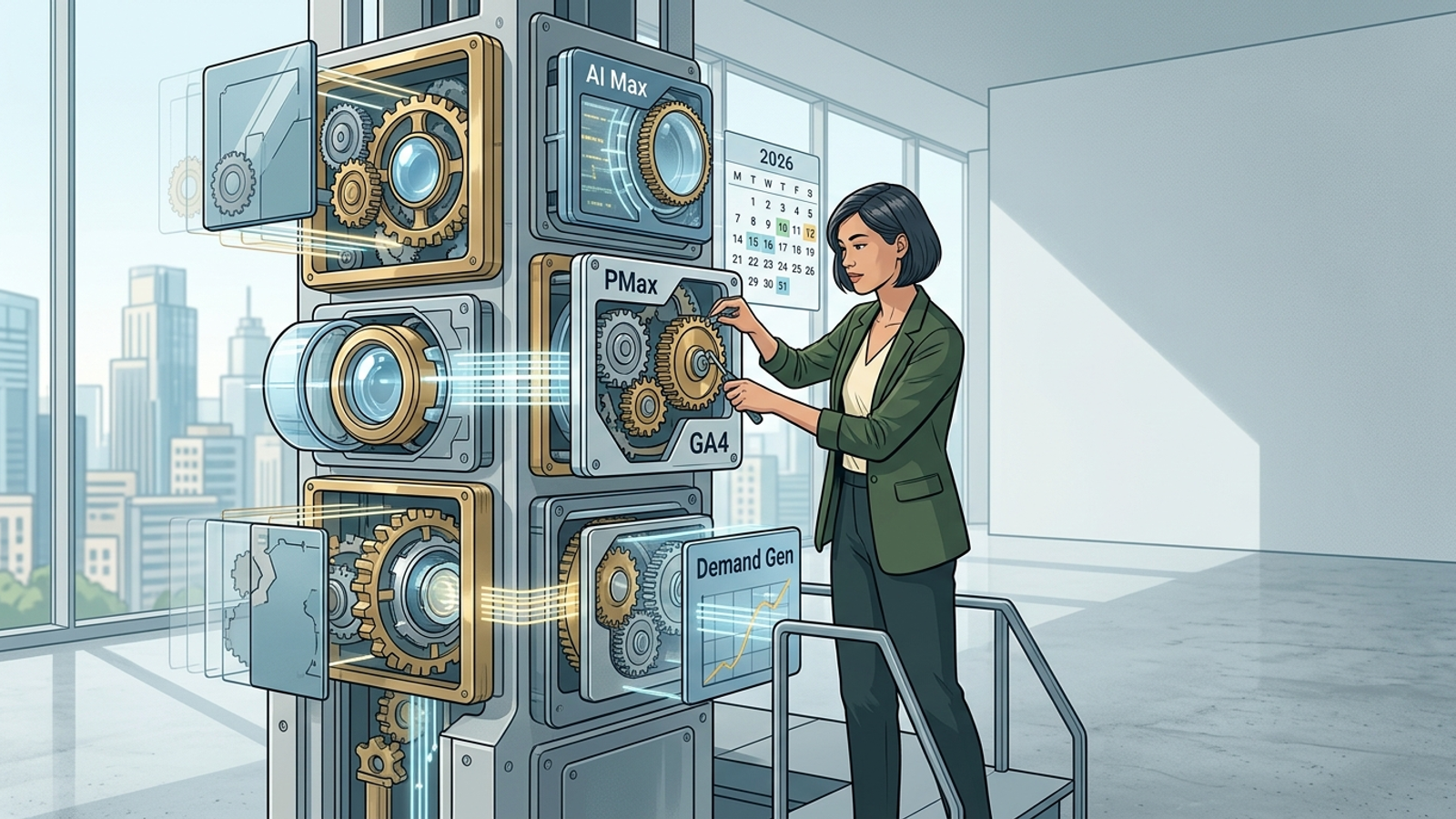
Google shipped more changes to Ads in the first half of 2026 than most advertisers noticed, and that's the problem. The announcements land as blog posts, help-center edits, and quiet UI rollouts, spread across months, and by the time you read three of them you've forgotten what the first one asked you to do. So this is a changelog, not a news recap. Every entry below is a confirmed 2026 change paired with the one thing you should actually do about it in your account. I update it as Google ships more.
A note on what's in here and what isn't. I'm only logging changes with a real account-level consequence: something you'd change a setting over, re-check a report about, or lose money ignoring. Feature announcements that are pure PR, or betas nobody outside a handful of accounts can touch, I've left out. If a change is region-gated or still rolling out, I say so, because "it's live" and "it's live in your account" are frequently not the same date.
Read the table first. If a row applies to you, jump to that section for the mechanism and the fix. If none of them do, you're either in great shape or not looking closely enough, and I'd bet on the second one.
The 2026 Google Ads changelog at a glance
| Change |
Rolled out |
Who's affected |
Action needed |
| Performance Max controls & reporting update |
June 2026 |
Anyone running PMax |
Turn on channel-level reporting, re-check asset-group exclusions |
| AI Max for Search |
Rolling out through 2026 |
Standard Search campaigns |
Test on one campaign before enabling account-wide |
| Demand Gen expansion |
Ongoing 2026 |
Anyone with awareness/mid-funnel budget |
Split it out from Search audiences, re-tag conversions |
| GA4 update (conversion & attribution) |
April 2026 |
Everyone using GA4 as a conversion source |
Re-verify key events and audience exports into Ads |
Dates are when the change became broadly available, not when Google first mentioned it. Your account may have gotten each one a few weeks earlier or later.
Performance Max: the June 2026 update
PMax's June update was the one people searched for most and understood least. The headline is that Google kept doing what it's been doing since 2023 — handing back visibility it took away when the campaign type launched. The June changes centered on three things: more granular channel-level reporting (you can now see more of where spend and conversions actually landed across Search, Shopping, YouTube, Display and Gmail), expanded control over which URLs and asset groups PMax can generate against, and continued nudges toward letting Google auto-produce assets. None of this makes PMax a transparent campaign type. It makes it a less opaque one, which is a lower bar and worth being honest about.
The mechanism matters here, because "more reporting" sounds like a gift and often functions as a distraction. PMax spends where the algorithm predicts conversions, and for most accounts a disproportionate share quietly lands on cheap Display and Gmail inventory that converts on paper and does very little in reality. The new channel-level view finally lets you see that split. What you do with it is the point: if brand and Shopping traffic is carrying the campaign while Display eats 30% of budget for junk conversions, that's a case for a Search campaign carved out alongside PMax, or for tightening what PMax is allowed to touch.
What to do differently in your PMax campaigns this month
Three moves, in order of impact. First, open the channel-level report and check your Display and Gmail conversion share against your Search and Shopping share. If the cheap channels are claiming conversions your revenue doesn't reflect, you've found leaking budget. Second, re-check your account-level and campaign-level negative keywords and brand exclusions — PMax will happily spend on your own brand terms and count that as incremental performance when it isn't. If you haven't excluded brand from PMax and you also run a brand Search campaign, you're paying twice to look good in the report. Third, decide deliberately whether you want Google auto-generating assets. For accounts with a real creative library, auto-assets dilute more than they help; for accounts with three tired headlines, they're an upgrade. There's no universal answer, which is exactly why Google defaults you into the version that spends more.
One thing the June update did not do: it did not give you keyword-level control inside PMax, and it did not turn search-theme signals into hard targeting. If a rep tells you the update means you can now steer PMax like a Search campaign, they're rounding up. You steer it with feeds, exclusions, and the conversion actions you feed it — not with match types.
AI Max for Search campaigns
AI Max is the change most people confuse with a rebrand of something else, so let's be precise. AI Max is a setting you switch on inside a standard Search campaign. It layers Google's query-matching and creative expansion on top of your existing keywords: it finds relevant searches your keyword list would have missed, swaps in more relevant landing page URLs when it has better ones, and generates additional headline and asset variations tuned to the query. It is not Performance Max, it is not a new campaign type, and — this is the part worth repeating — it did not change how classic Search works if you leave it off. Your exact-match keywords, your Smart Bidding, your existing structure all keep functioning exactly as before. AI Max is opt-in expansion, not a replacement.
When to enable AI Max vs. sticking with Search + Smart Bidding
The honest version: AI Max earns its keep when your keyword list is leaving reach on the table and your conversion tracking is clean enough to judge the extra traffic. It struggles when your account depends on tight query control — regulated industries, campaigns where a wrong-intent click is expensive, brand terms you don't want blended with generic discovery. My rule is to enable it on one campaign with healthy volume, leave everything else untouched, and let it run two to three weeks before reading anything into the numbers. Watch three things: did impressions and clicks climb, did CPA hold or improve, and — the one people skip — did the search terms report fill up with queries you actually want to pay for. If AI Max buys you 20% more volume at flat CPA, keep it. If it buys you 20% more volume at a CPA 40% higher, it's finding cheaper-to-reach, worse-intent traffic, and you turn it off. Cause before effect: expansion only helps if the incremental queries convert, so measure the incremental queries.
One caution that isn't in the setup guide. AI Max's URL expansion will send traffic to landing pages you didn't hand-pick for a given query, which is fine if your pages are broadly relevant and quietly harmful if they're not. If your site has one generic page doing all the work, AI Max amplifies that weakness. This is the same problem that makes search-intent-matched landing pages matter more the more of your matching you hand to Google — something groas leans on by generating a page variant per search intent, so the expanded traffic lands somewhere built for it rather than on a catch-all.
Demand Gen in 2026
Demand Gen kept maturing this year into something closer to a real mid-funnel channel and further from the Discovery-campaign afterthought it replaced. The 2026 changes worth testing are the expanded placements and formats — more YouTube Shorts and in-feed inventory, better product-feed integration for retail, and reporting that finally separates Demand Gen's contribution instead of burying it. If you tried Demand Gen in 2024, wrote it off as expensive branded reach, and haven't looked since, the channel you dismissed isn't quite the channel that exists now.
New formats, placements, and reporting worth testing now
Two mistakes sink most Demand Gen tests, and both are structural rather than creative. The first is audience overlap with Search: if your Demand Gen audiences include people already searching for you, it steals credit for conversions Search would have won anyway, and your reporting looks great while your incremental revenue doesn't move. Split it out. Aim Demand Gen at cold and warm audiences who aren't yet in-market on Search, and exclude your existing site visitors and converters unless you're deliberately running retention. The second mistake is optimizing to the wrong conversion. Demand Gen sits earlier in the funnel than Search, so if you make it chase the same bottom-funnel purchase event, Google either can't find enough signal or finds it in all the wrong places. Give it a mid-funnel action — a qualified lead, a meaningful engagement, an add-to-cart — and judge the purchase downstream. If you want the long version of that fix, groas has a full Demand Gen pipeline case study that walks through exactly this for a B2B account.
The practical takeaway: don't test Demand Gen's new formats until the campaign is structurally clean. New creative on a campaign that's double-counting Search conversions just gives you a prettier wrong number.
GA4's April 2026 update
GA4's April update is the change most likely to quietly break your reporting without any obvious alarm going off, which is why it ranked so well and got clicked so little — people saw the headline, assumed it didn't apply to them, and moved on. It applies to you if you use GA4 as a conversion source for Google Ads or export GA4 audiences into your campaigns, which is most accounts. The update adjusted how certain conversions and attribution are handled and how key events flow between GA4 and Ads. The failure mode isn't a red error message. It's a key event that silently stops importing, or an audience that stops refreshing, so your Smart Bidding slowly starves on stale signal while every dashboard still shows green.
Re-checking your key events and audience exports
Here's the fifteen-minute check that catches the damage. In Google Ads, open your conversions and confirm every GA4-sourced key event still shows a recent conversion timestamp — if a source that fired daily suddenly went quiet in April, that's your break. Then confirm the events you actually bid toward are still marked as your primary conversion actions, because reshuffles like this are exactly when a secondary event quietly gets promoted or a primary one gets demoted without anyone touching it. Next, check your GA4 audience exports into Ads: open each linked audience and confirm the member count is still updating, not frozen at an April number. Last, sanity-check attribution — if your model or lookback behavior shifted, conversions will redistribute across campaigns and a channel that looks like it collapsed may just be getting credited differently. Cause before effect again: before you react to a CPA that jumped in late April, rule out that the jump is a measurement artifact rather than a performance one.
The takeaway is uncomfortable but simple: a tracking change you didn't notice is more expensive than a bid change you did, because Smart Bidding optimizes toward whatever signal it's fed, and it can't tell you the signal went bad. Re-verify after any GA4 update, not just this one.
Keeping up without the churn
The pattern across all four of these is the real story. None of them is hard on its own. What's hard is that they arrive continuously, on Google's schedule, and each one quietly demands you re-check a setting or a report you thought was settled. Miss one and nothing breaks loudly; you just leak margin until you happen to notice. That's the actual cost of the update treadmill, and it's why "I'll deal with it next quarter" is the most expensive sentence in account management.
A 30-minute audit checklist for applying 2026's changes
Block half an hour once a month and run this in order. It maps one-to-one to the changes above.
- PMax channel split (8 min): Open the channel-level report. If Display plus Gmail is claiming a conversion share that outruns your real revenue, flag it, then check that brand terms and irrelevant URLs are excluded.
- AI Max sanity read (5 min): If you've enabled it anywhere, scan the search terms report for that campaign. Good queries? Leave it. Junk creeping in at higher CPA? Turn it off and note why.
- Demand Gen structure (5 min): Confirm it's not overlapping Search audiences and it's optimizing to a mid-funnel action, not the final purchase.
- GA4 key events (7 min): Verify every GA4-sourced conversion still has a recent timestamp, primary actions are still primary, and audience exports are still updating.
- Attribution gut-check (5 min): Any big campaign-level swing since last check — rule out a measurement shift before you touch a bid.
If a step turns up nothing, that's a good month, not wasted time. The value is in the month it catches the silent break before it costs you.
Where autonomous campaign management absorbs update churn for you
Here's the part I'll be blunt about, because I spent years doing this manually and know exactly what it costs. The checklist above is real work, and it's the maintenance layer — it doesn't grow anything, it just stops the account bleeding when Google moves the furniture. That's precisely the kind of repetitive, mechanical vigilance that no longer justifies a human doing it by hand every month, and it's the reason accounts drift: the person responsible is busy, the change was quiet, and nobody logged in on the right week. An autonomous system doesn't have a busy week. It re-checks the channel split, the search terms, the key-event flow, and the attribution shift continuously, because it isn't running on someone's calendar. That's the pitch behind groas, and the honest framing of it: the engine handles the update churn around the clock while a strategist stays on top of the decisions that actually need judgment. You don't need a platform to run this checklist. You do need someone or something to run it every time Google ships, and the treadmill only speeds up from here.
I'll keep adding to this log as 2026's changes land. If you're reading it in the second half of the year and a row looks stale, that's on me, and I'll fix it. In the meantime, the meta-lesson holds regardless of which platform you use: in 2026, the advertisers who win aren't the ones who read every announcement. They're the ones who translated each change into a specific account action within a couple of weeks of it going live. Everyone else is running last quarter's account and wondering where the margin went.